

Product & UI designers
Search competitor screens, onboarding flows, dashboards, checkout patterns, and Figma exports.
Screenshot AI for designers
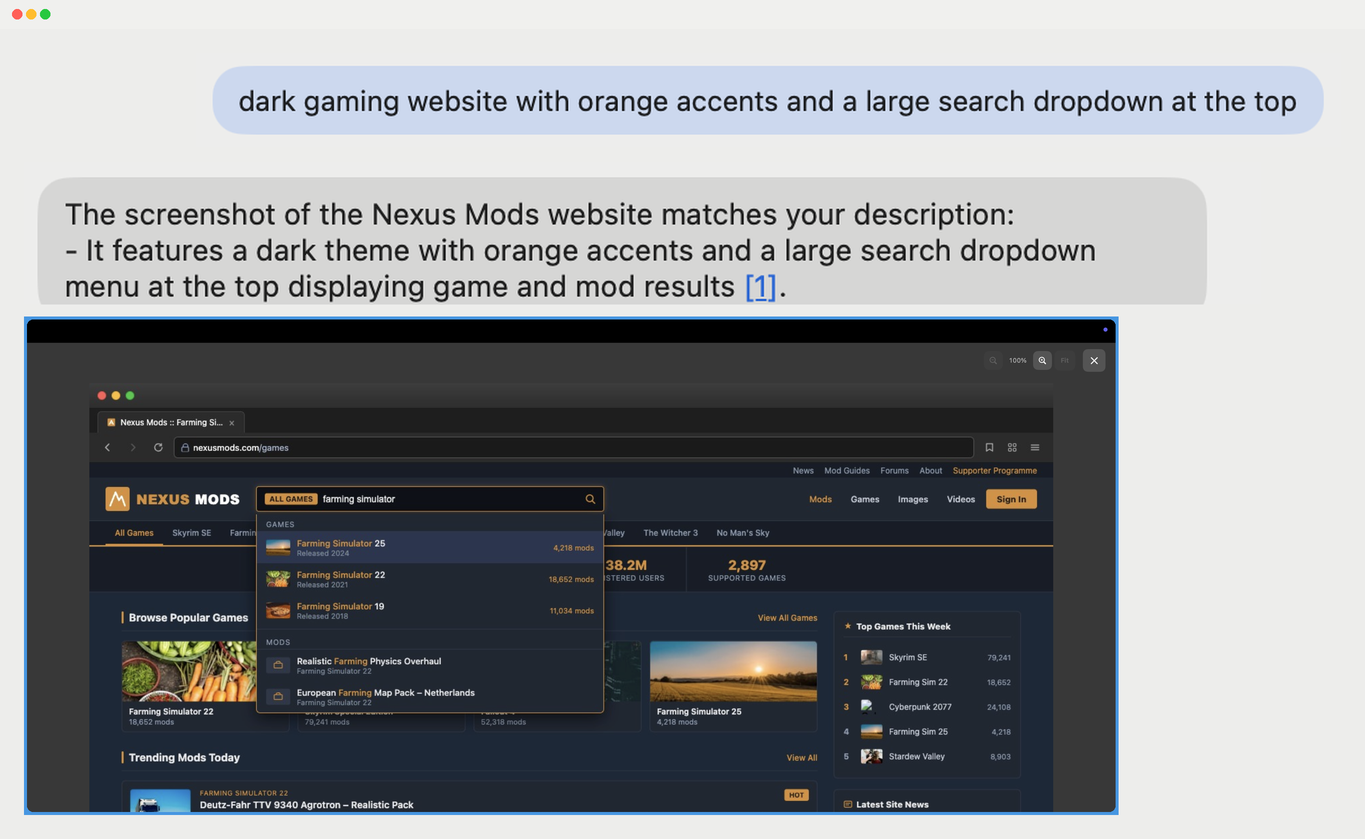
Search screenshots, moodboards, UI references, inspiration folders, and saved images by describing what you remember seeing. No filenames. No manual tags. No endless thumbnail scrolling.
Your visual memory is already indexed
Designers rarely remember Screenshot 2026-09-18 at 14.03.22.png. They remember the giant
type, the strange layout, the color combination, or the one detail worth coming back to.
Screenshot AI lets you search that way.
Find the interface you half-remember across competitor screenshots and saved product flows. “pricing page with three cards and a highlighted middle plan”
Search posters, layouts, branding references, packaging, and art direction by visual composition. “minimal poster with huge red typography and lots of whitespace”
Jump back to the ad, campaign, product shot, or landing page you saved months ago. “sneaker floating on a pink background with tiny black type”
One search layer for messy folders
Screenshot AI searches ordinary folders on your Mac. You do not have to move everything into a new library or manually tag years of references first.
Search competitor screens, onboarding flows, dashboards, checkout patterns, and Figma exports.
Find typography, poster, identity, packaging, editorial, and color references by visual description.
Search campaign references, saved ads, moodboards, product shots, and visual concepts across projects.
Works beyond a curated library
Screenshot AI has been tested with libraries containing tens of thousands of files. Add the folders you actually use and search across them together.
Not just OCR
OCR helps when you remember the words. Semantic search helps when you remember the composition, object, color, or scene.
Privacy & pricing
You choose which folders Screenshot AI can index. It does not scan your whole Mac by default.
Image analysis is not fully on-device. Selected images are sent to the backend for processing, but the image files themselves are not stored there after processing.
The free tier includes 3 searches per day and 500 image indexings per month. Paid plans start at $5.99/month, with annual plans available.
Your inspiration folder finally has search
Describe the reference you remember. Screenshot AI finds the image across the folders you already use.