
Find the screenshot you half-remember
“Blue jacket from Zara,” “flight to Lisbon,” “that Slack thread with the API key.” You describe the picture; it surfaces the file. No renaming, no albums, no scrolling a wall of thumbnails.
Screenshot AI
Looking for a price, an address, or the error that finally explained the bug? Say what you remember. Screenshot AI finds the image — and lets you take the useful part with you.
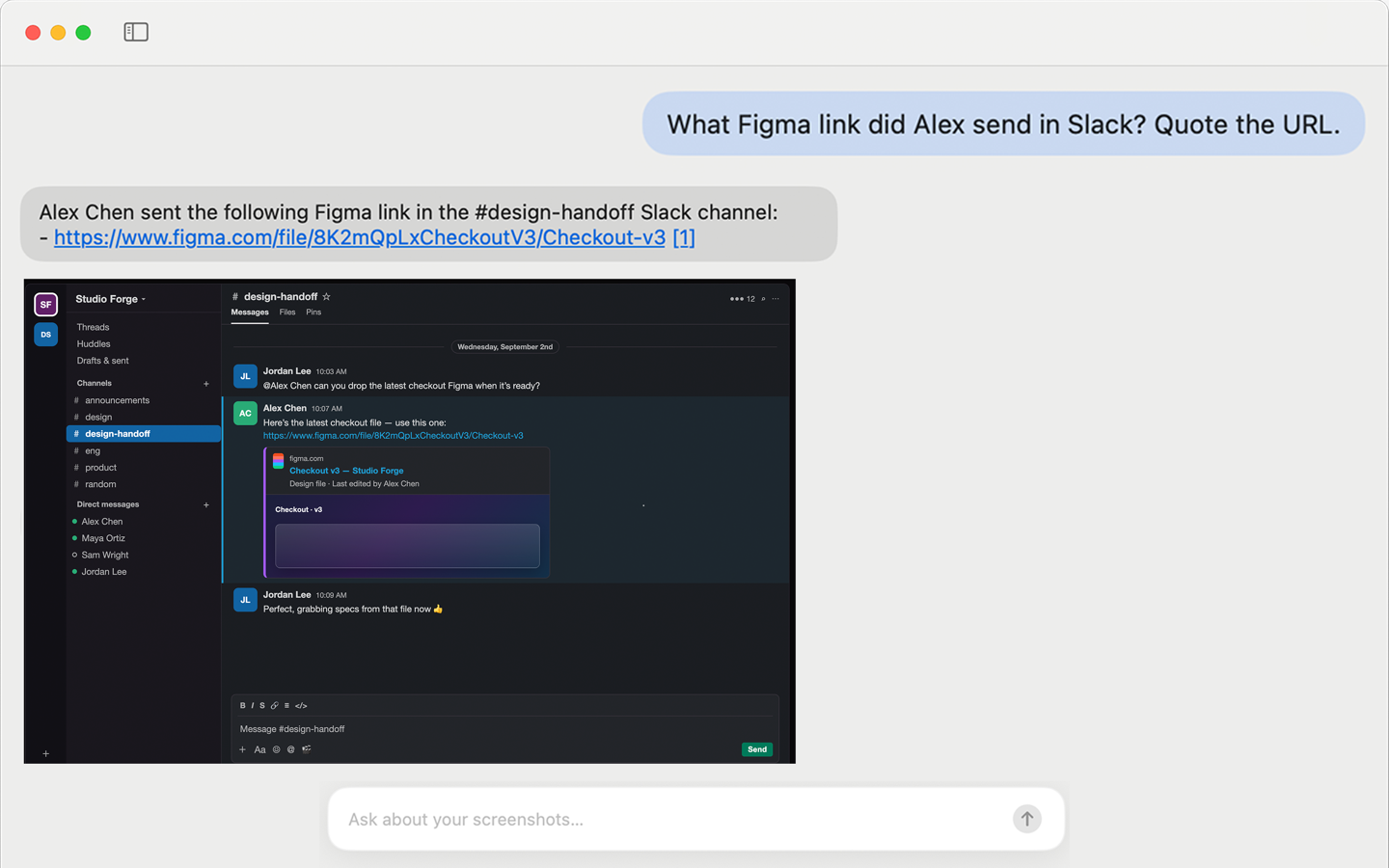
Ask what you remember — get the capture back with proof.
A familiar problem
You save a booking number, a recipe, a chat, a price, a fix for an error. A week later, it is buried among hundreds of nearly identical thumbnails.
Try this instead
Type “the blue jacket from last month” or “my flight confirmation”. Start from the memory, not the filename.
In practice
Not a new place to dump files — a way back into the ones you already have.
“Blue jacket from Zara,” “flight to Lisbon,” “that Slack thread with the API key.” You describe the picture; it surfaces the file. No renaming, no albums, no scrolling a wall of thumbnails.
Confirmation codes, addresses, error messages, a snippet from a terminal window — OCR turns the words in the image into text you can select and paste.
Open a capture and ask in plain language: What’s the total? Which room was it? What was the deadline? The screenshot stays the source; you get the detail without squinting.
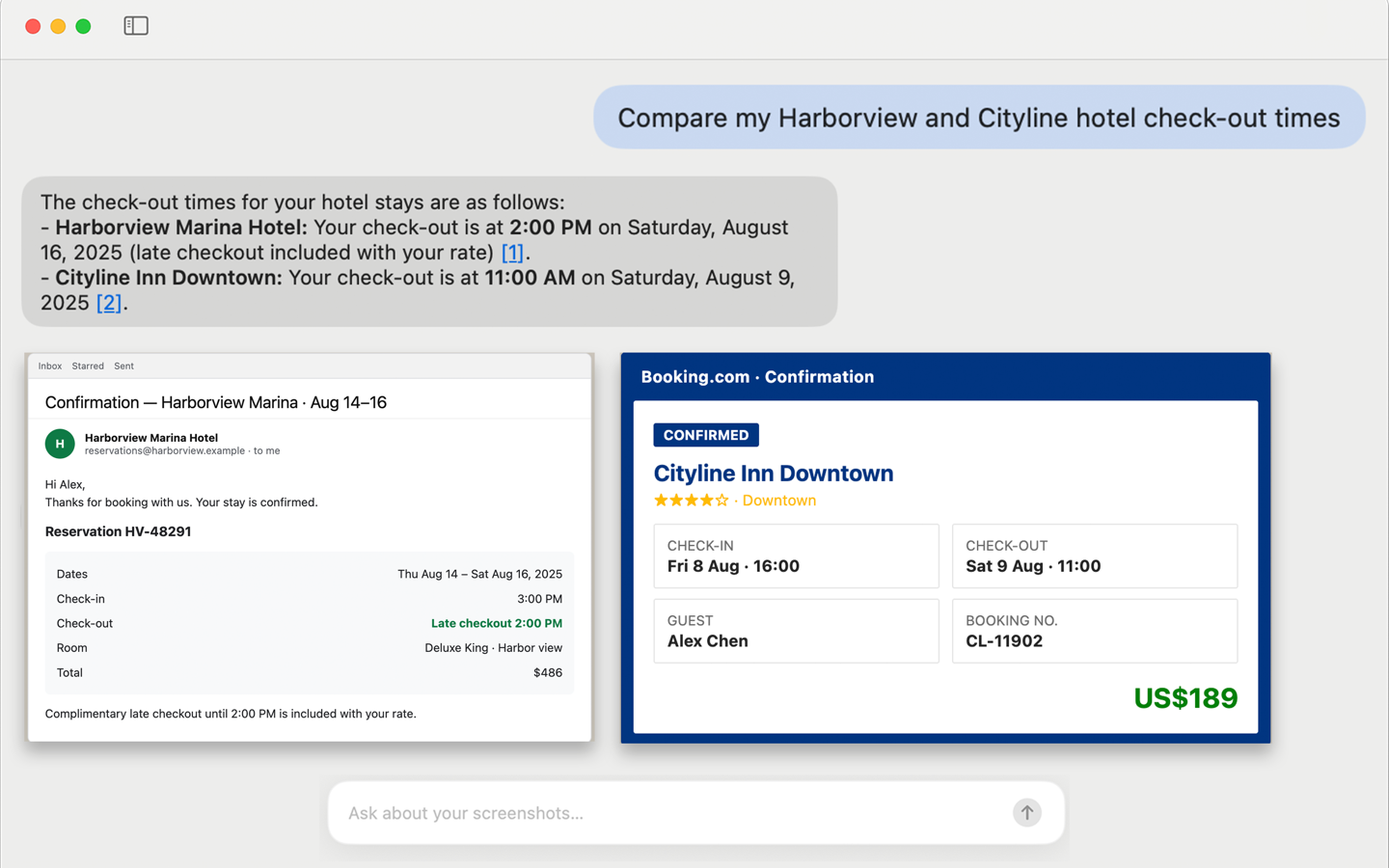
Ask across several captures at once — the answer comes with the screenshots that back it up.
Set it up once
A small everyday win
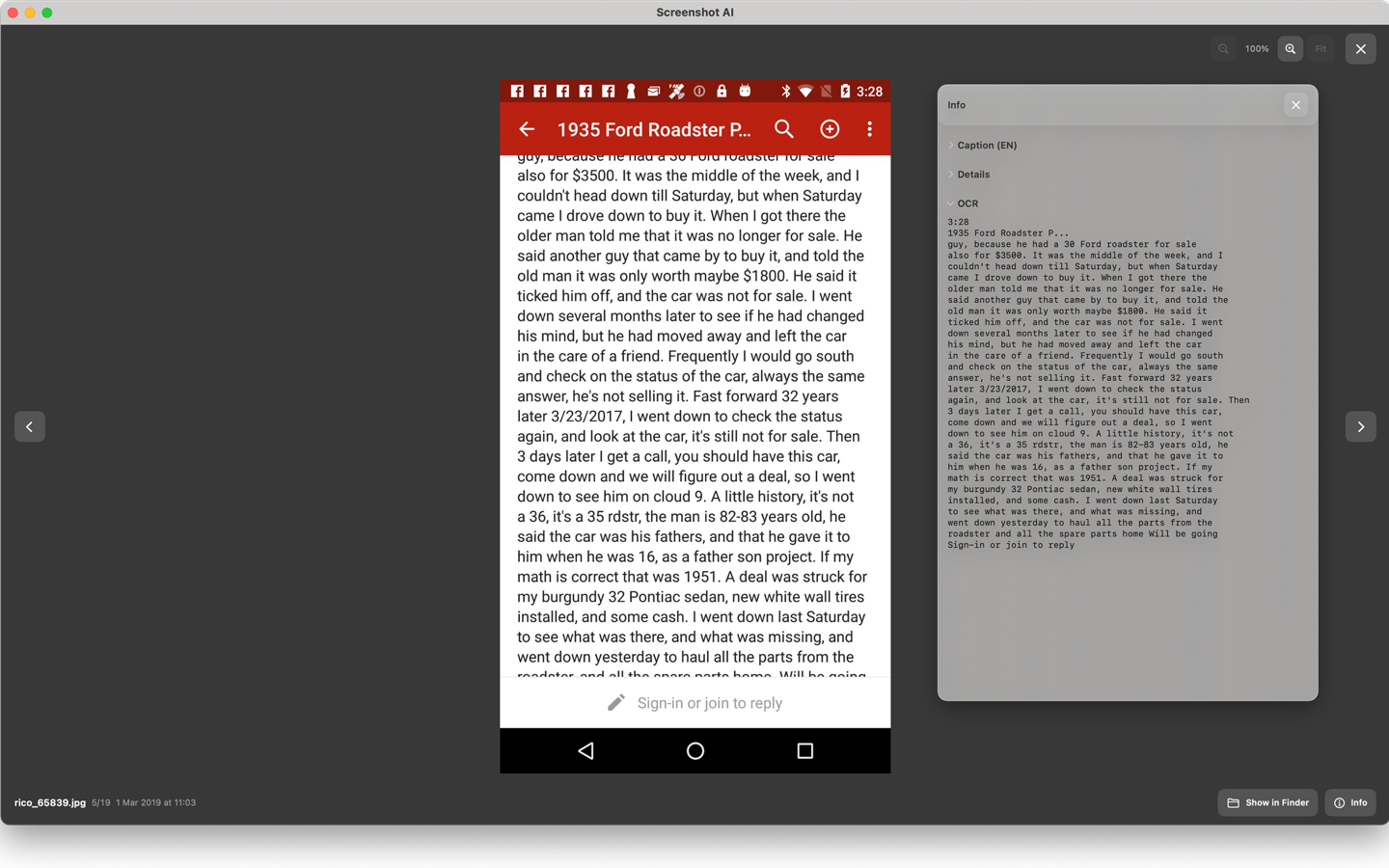
Open a capture, open Info → OCR, and copy the text instead of retyping the whole post.
App Store
Screenshot AI gives the images you already save a better memory. Search them when the detail matters — not when you finally remember which folder you used.

Requires macOS 14 or later. Questions? Email support@screenshotai.org
FAQ
Yes. Start with what you remember — “a receipt from the grocery store” or “the hotel address” — instead of trying to recall a filename.
Yes. When you need text from a screenshot — a number, a link, a code snippet, or a short note — you can select it and copy it instead of typing it again.
No. It is not a drawing or markup tool. Screenshot AI is for finding, reading, and reusing what is already in an image after you take the screenshot.
Yes. It helps you retrieve screenshots and photos by what is in them, rather than by filing them into albums by hand.
Just the folder you choose during setup, plus any sources you add later. It does not scan your whole disk by default.
See our Privacy Policy for how indexing, OCR, and chat requests are handled. Need help? Visit Support.